
Your agent can write code.
Now it can make things.
Maichine gives AI agents a manufacturing interface. They create and upload 3D designs, return interactive previews, track revisions, and submit approved objects for production.
 Claude Code
 Codex
Codex Cursor
 Hermes Agent
 OpenClaw
 OpenCode
 MCP
MCPFrom agent prompt
to physical object
Your agent handles the design loop. Maichine handles preview, approval, manufacturing review, production, and delivery.
Connect your agent
Add the Maichine Skill or connect through MCP or REST. Your agent receives a structured path to physical production.
Agent creates
Describe what you need in your agent UI. The agent designs the model and uploads each iteration to one Maichine project.
You review
Open the canonical Maichine link to inspect versions, configure material and color, see pricing, and approve the final design.
Maichine produces — you watch
Maichine checks, produces, and ships the approved object. Follow the print through a private live camera feed when production begins.
Watch your agent's idea
become real.
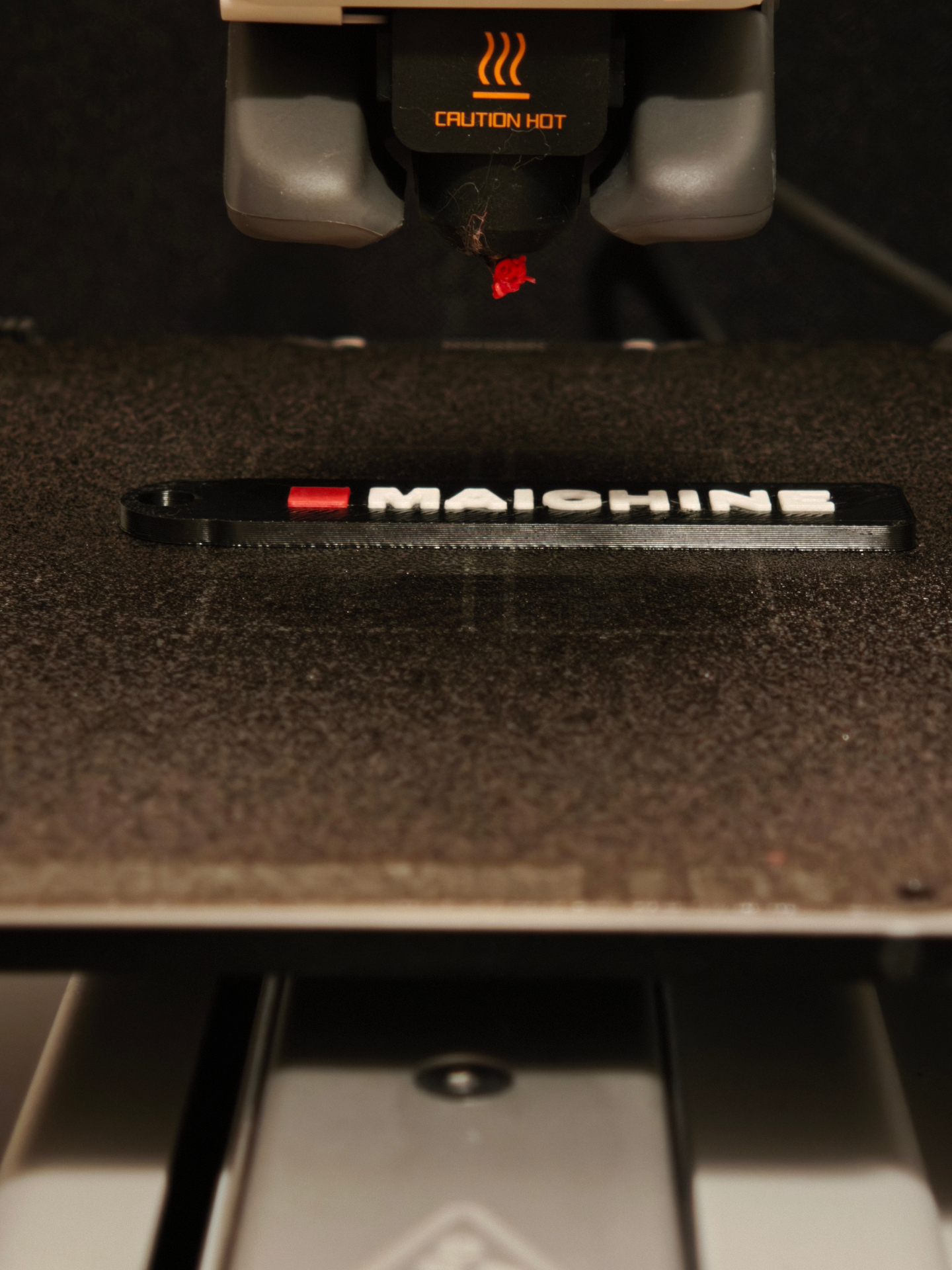
When your object enters production, Maichine gives you a private live camera feed of the print. Follow it layer by layer—from generated geometry to a physical object.
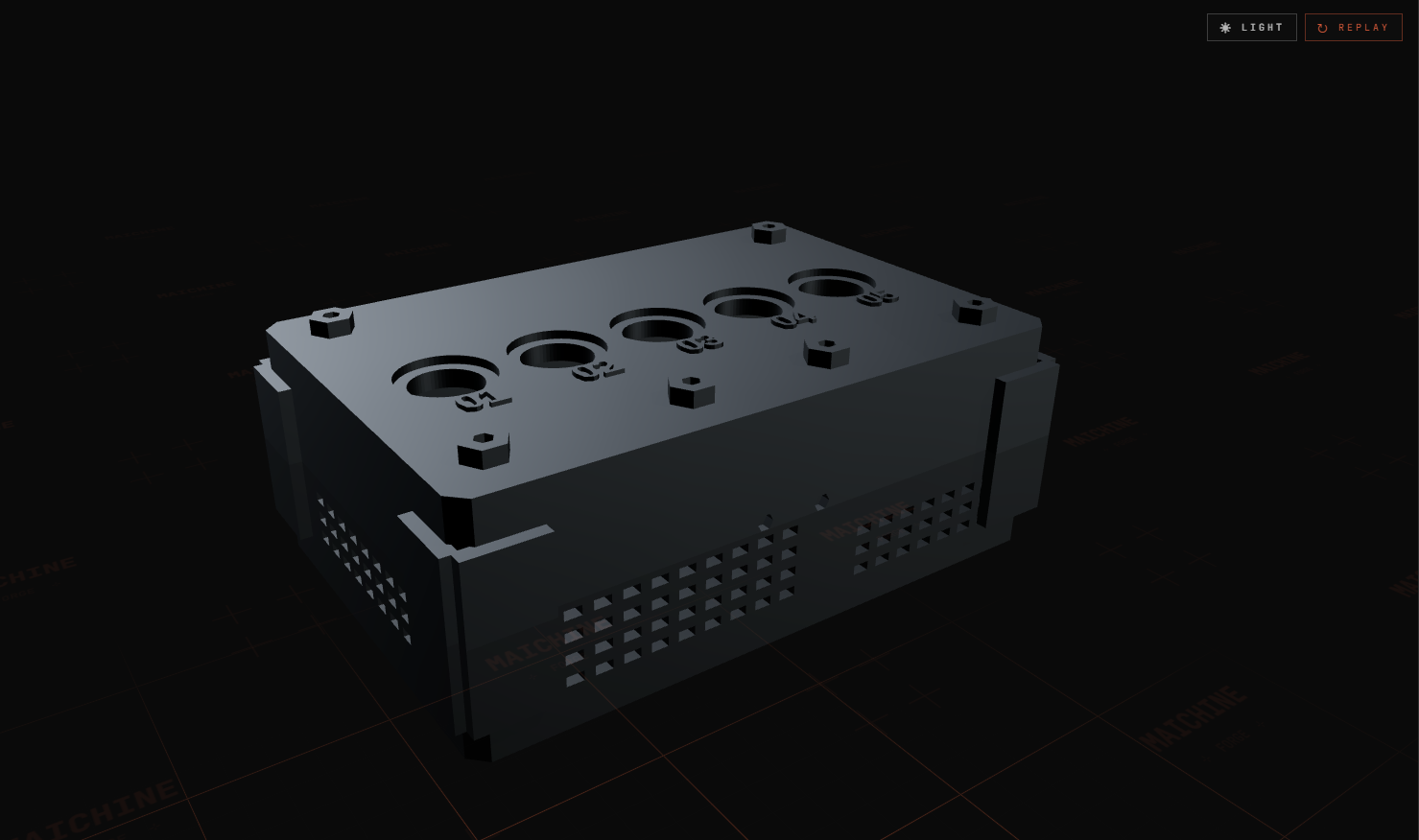
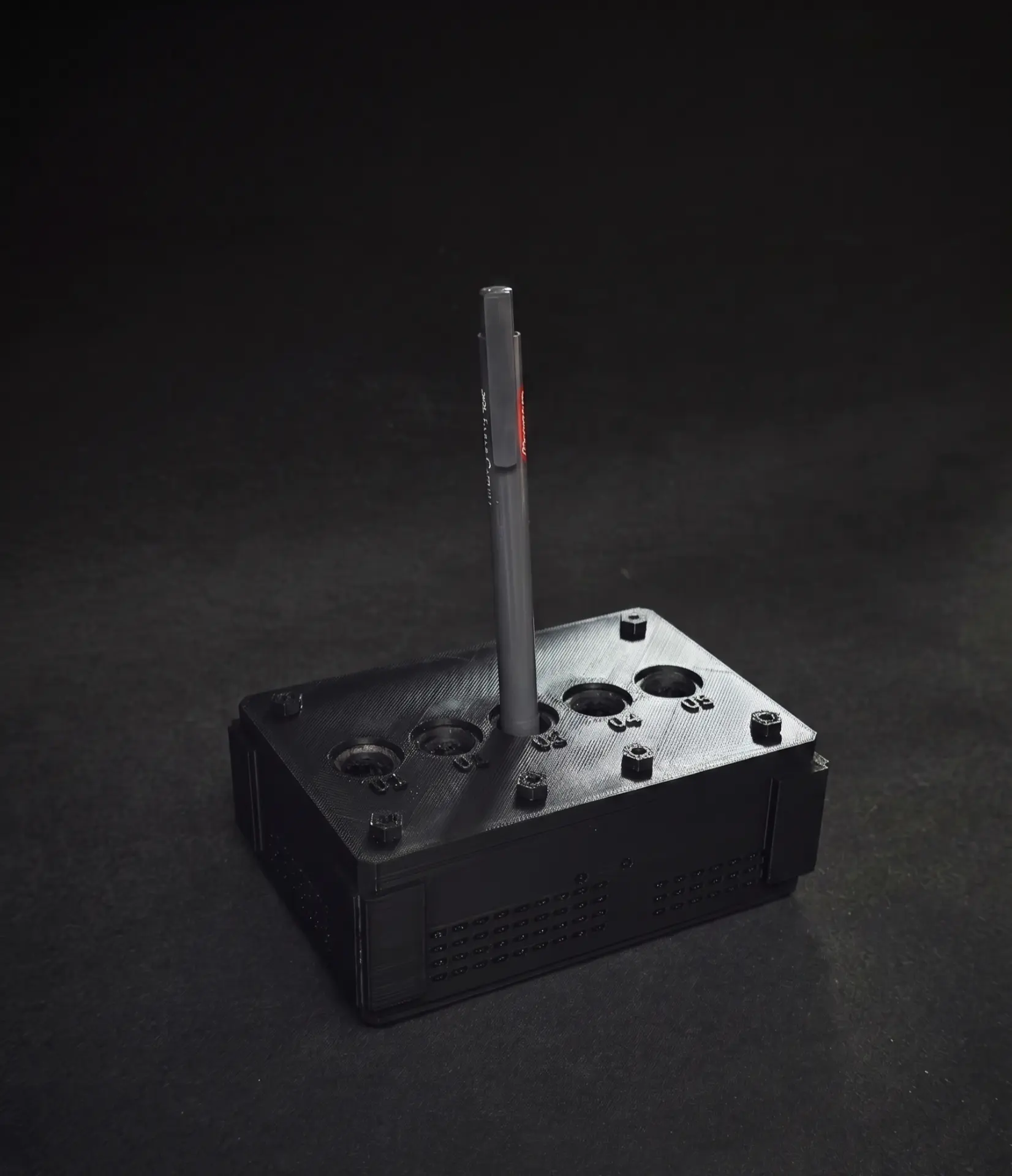
> Customer feeds are private. If the camera is unavailable, Maichine shows a status timeline and a fallback image—so you always know where your print stands.
An API that
ends in matter.
Most agent tools return text, code, or data. Maichine returns a path to a physical object — without forcing the agent to manage slicers, materials, production settings, or fulfillment.
Agent-designed. You-approved. Maichine-made.
Describe what you want — no CAD or manufacturing expertise required. Your agent creates and iterates, you approve the result, and Maichine verifies, produces, and ships it.
Designs with you
- ■Turns your request into a 3D model
- ■Creates new versions from your feedback
- ■Sends each version to Maichine
Choose and approve
- ■Inspect the interactive preview
- ■Choose color, material, and quantity
- ■Approve the version you want
Makes it physical
- ■Checks manufacturability
- ■Selects the appropriate production setup
- ■Produces and quality-checks the object
- ■Packages and ships it to you
> Nothing enters production until you approve. You decide how it looks; Maichine handles the manufacturing details.
What will your agent
make first?



One project.
Every iteration.
Your agent uploads each revision to the same Maichine project. You receive one canonical link where you can compare versions, inspect the model, configure the print, and approve production.
Review first.
Commit when it’s ready.
Inspect the model, select the material, color, and quantity, and see the exact production cost before submitting for manufacturability review.
Design with your agent. Download the file free.
Pay only when you produce.
- 01Connect your agent
- 02Create and iterate
- 03Review the 3D preview
- 04Configure the physical object
- 05See the price
- 06Submit for review
Give your agent
physical output.
Connect Maichine and give your agent a path from generated geometry to a manufactured object.